Asset Maintenance Team
Imagine Nova Industries has electricians, IT technicians, and machine specialists. When a laptop or production machine needs work, assigning the wrong person wastes time and may leave the real problem unresolved.
An Asset Maintenance Team groups the people who can perform a type of maintenance. The team can then be selected on a maintenance plan so everyone knows who is responsible for each scheduled task.
Create a team#
- Open Asset Maintenance Team and select Add.
- Enter a team name and company.
- Select a Maintenance Manager.
- Add members and their maintenance roles.
- Save, then use the team in Asset Maintenance plans.
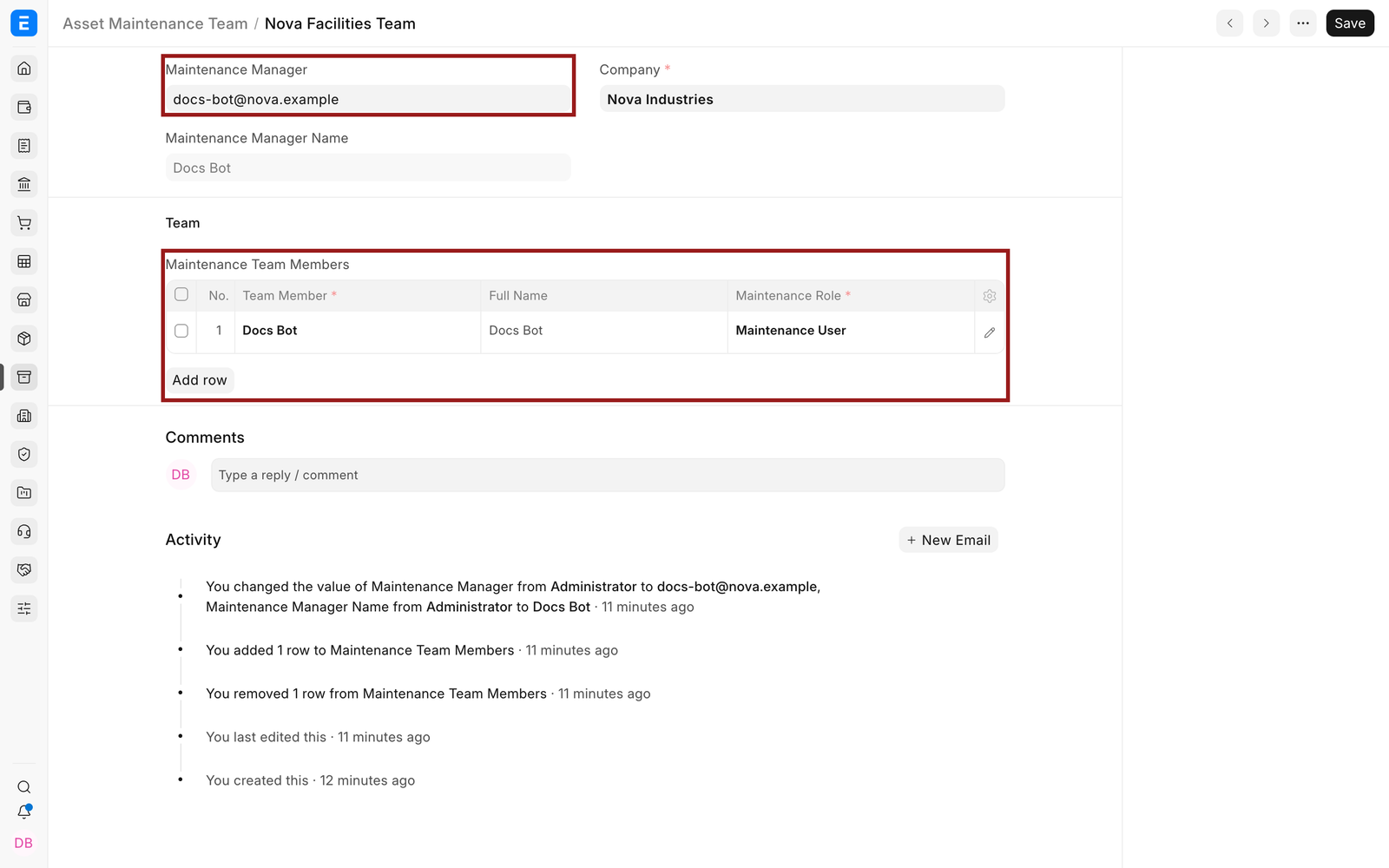
| Field | What it means |
|---|---|
| Maintenance Manager | User who supervises the plan. |
| Team Member | User who can be assigned maintenance work. |
| Maintenance Role | Role used to describe or authorize the member's responsibility. |
| Company | Company whose assets the team maintains. |
Troubleshooting#
A user cannot be selected as a member#
Confirm the User is enabled and has access to the relevant company and Assets records.
Tasks are assigned to the wrong person#
Correct the task's Assign To field. The team defines available ownership but each task controls its assignee.
Frequently asked questions#
Can the same user be in more than one team?#
In EnigmaERP, yes, when that reflects operational responsibility.
Does the team itself create tasks?#
In EnigmaERP, no. The Asset Maintenance plan creates scheduled tasks and logs using the selected team.
Can teams be company specific?#
In EnigmaERP, yes. Keep the selected company aligned with the Assets the team will maintain.
Related topics#
- Asset Category
- Asset Location
- Asset
- Purchasing an Asset
- Depreciation
- Asset Movement
- Asset Repair
- Asset Reports