Adding Attachments to Outgoing Messages
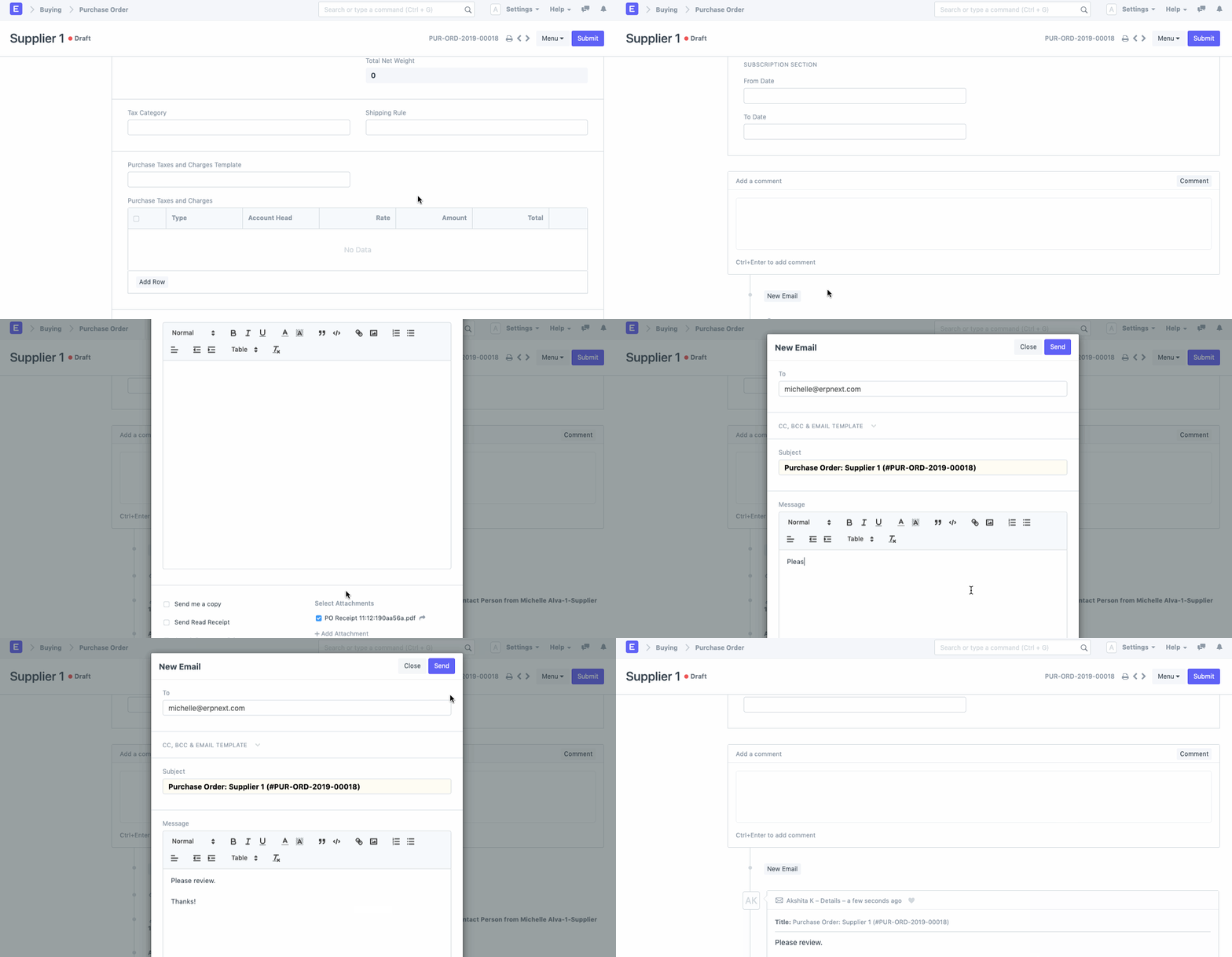
You can add attachments to outgoing emails on-the-go in EnigmaERP.
If you have certain files attached to your document and wish to attach the same to the outgoing email, you can do so by simply picking it from the attachments list.
Adapted for EnigmaERP from the ERPNext documentation,
© Frappe Technologies Pvt. Ltd. Content licensed under
CC-BY-SA 3.0.
EnigmaERP is a product of Enigma and is not
affiliated with or endorsed by Frappe Technologies Pvt. Ltd.