Awesomebar Global Search
The Awesomebar is the fastest way to open a DocType, report, page, workspace, or new record from anywhere in Desk. It reduces menu navigation when you already know what you need.
For example, a billing user can type Sales Invoice and choose the list, report, or new-document action directly from the same search.
Open and use the Awesomebar#
- Select the Search field at the top of Desk, or use the keyboard shortcut shown beside it.
- Type a DocType, report, page, or action.
- Use the arrow keys to move through results and press Enter to open the selected result.
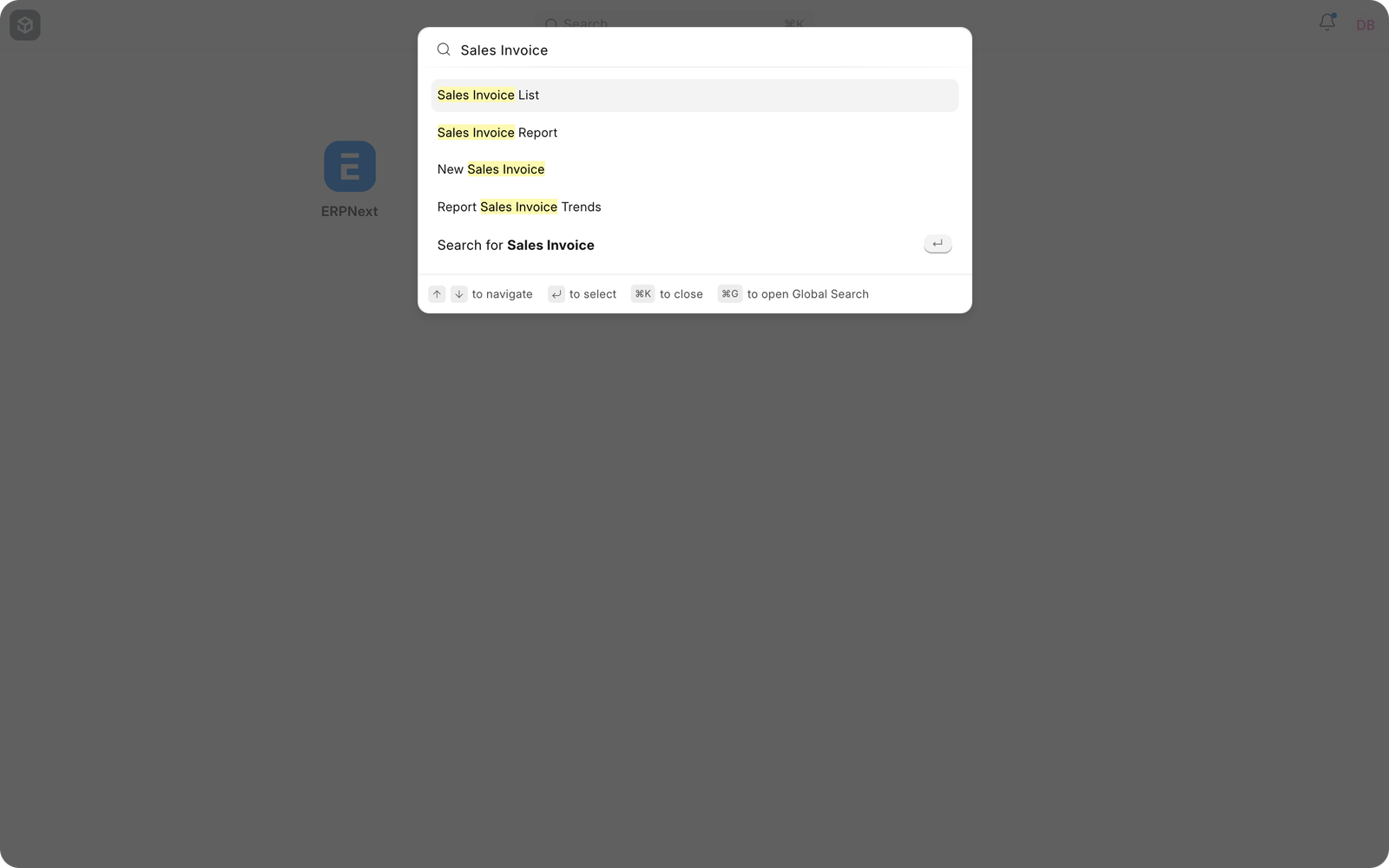
Understand the results#
| Result | Use it to |
|---|---|
| List | Open all records of a DocType. |
| New | Create a new record directly. |
| Report | Open a matching report. |
| Page or Workspace | Navigate to a feature or module. |
| Search for | Run a broader global search for matching records. |
Use global record search#
When the direct results do not contain the record you need, choose the broader search action. Search availability depends on the DocType, indexed content, and your permissions. A user will not receive results for records they cannot access.
Troubleshooting#
A DocType or report is missing#
Confirm that the user has the required role and permission. Also check whether the module or workspace is hidden.
The expected record is not found#
Try a distinctive part of its name or identifier. Open the DocType list and apply filters when the record is not included in global search.
Frequently asked questions#
Does Awesomebar search bypass permissions?#
Results respect the current user’s access.
Can I create a document from the search?#
Y
es. Select the New result when it is available and you have create permission.