Workstation
A Workstation stores information regarding the place where the workstation operations are carried out.
Data regarding the operation cost, rent, electricity can be stored here.
An Operation takes place at a Workstation. The Operation is the work performed and the Workstation is the place/machine where it is performed. For example, melting is an Operation that can be done at 10 different Workstations.
:::note An Operation can take place at multiple Workstations. :::
How to create a Workstation#
- Go to the Workstation list, click on New.
- Enter a name for the Workstation.
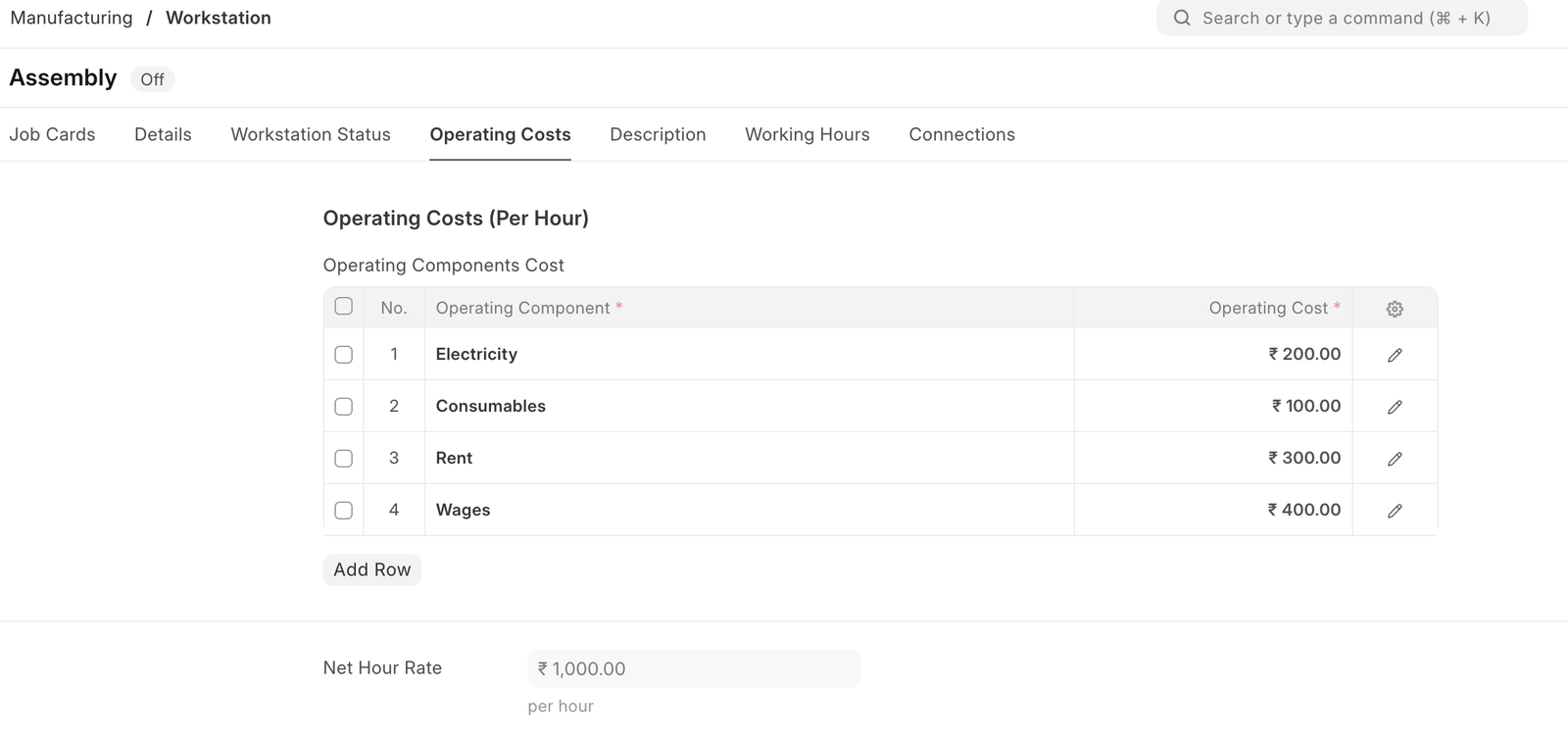
- Under Operating Costs, enter operating component with the cost:
- Electricity
- Rent
- Consumables
- Wages
- Save.
Optionally, you can enter a description for the Workstation.
Operating Components#
Using this table you can divide the different cost components and set it to the Operation.
Workstation Operating Component#
User can also define the expense account per component company wise in the Workstation Operating Component.

A Holiday List can be added to exclude counting these days for the Workstation.
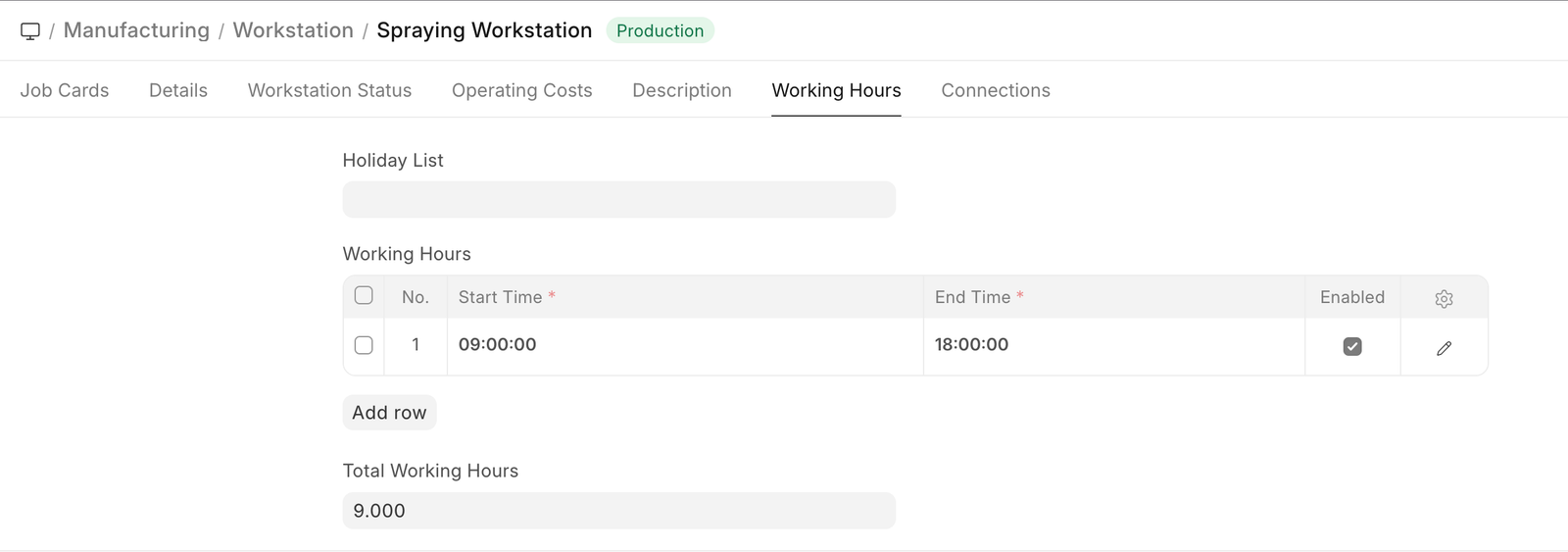
The hours when the Workstation will be Operational can be added. On adding a Holiday list, the days listed as holidays won't be counted as working for the Workstation.
Under Working Hours table, you can add start and end times for a Workstation. For example, a Workstation may be active from 9 am to 1 pm, then 2 pm to 5 pm. You can also specify the working hours based on shifts. While scheduling a Work Order, the system will check for the availability of the Workstation based on the working hours specified.
:::note You can enable overtime for a Workstation in Manufacturing Settings. :::
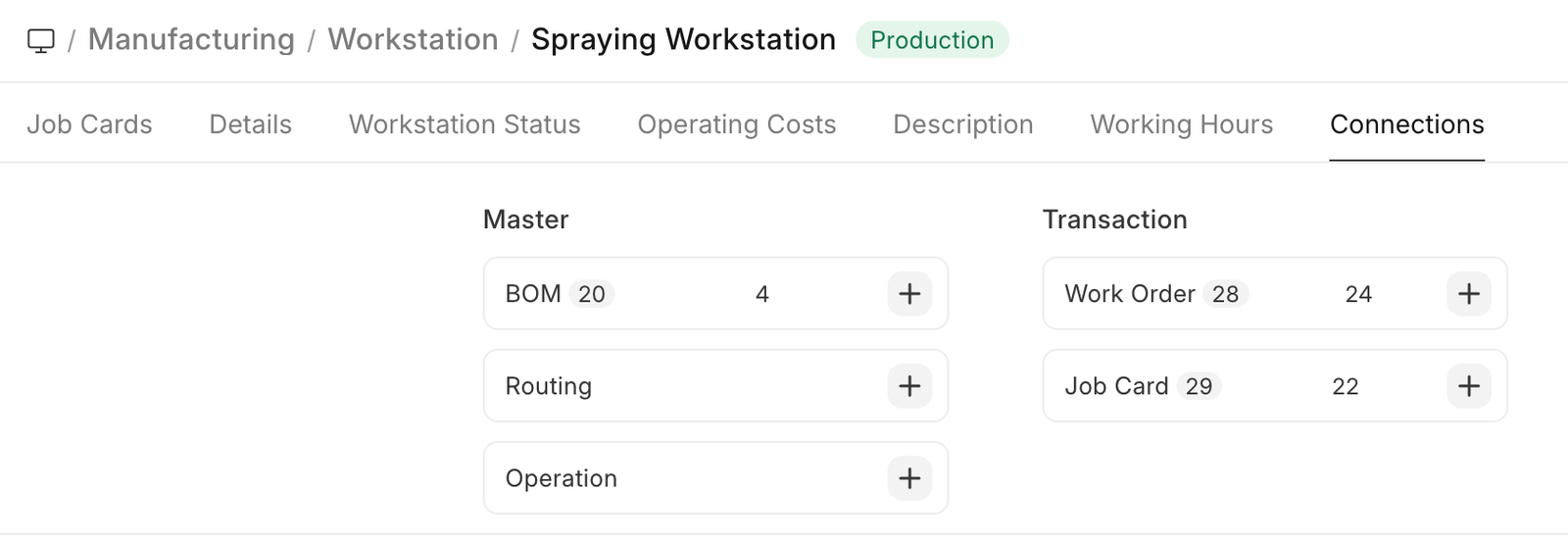
After saving the Workstation, the following actions can be performed against it:
Features#
Production Capacity#
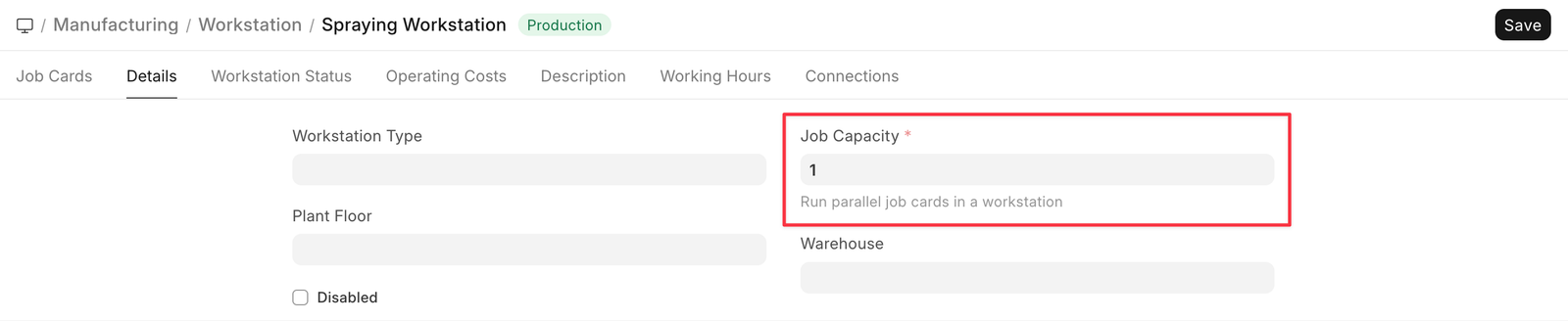
Production Capacity is the total number of jobs can be executed at the same time in the respective workstation.